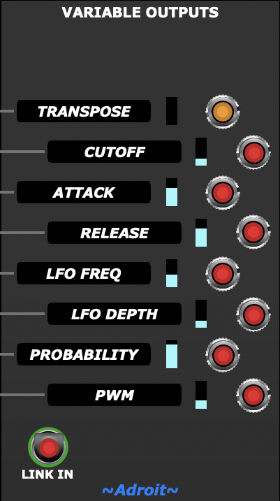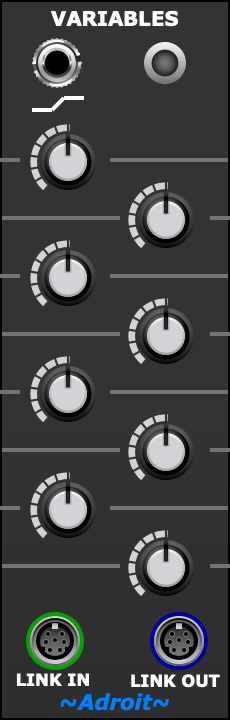
This module works in conjunction with a Variable Outputs module, an optional Variables Manager module and any number of other instances of the Variables module to form a slow running 8-channel N-step sequencer called the “Variables Sequencer” that runs in parallel with the Song Control Sequencer.
The Variables Sequencer
The purpose of the Variables Sequencer is to generate control voltage changes that map directly to song structure.
The basic arrangement of modules in the Variables Sequencer is shown below.

As with the Song Control Sequencer, the Variables Sequencer isn’t a module but a sub-system that’s made from a collection of modules.
The example above uses two Variables modules but any number of Variables modules can be chained together, each one paired with a Song Part module.
In a working patch, the input socket with a squiggle symbol at the top of the Variables module connects to the output socket with the same squiggle symbol on a corresponding Song Part module. This connection gives a Variables module the timing information it needs.
These “squiggle to squiggle” connections are shown using green colored cables in the image below.
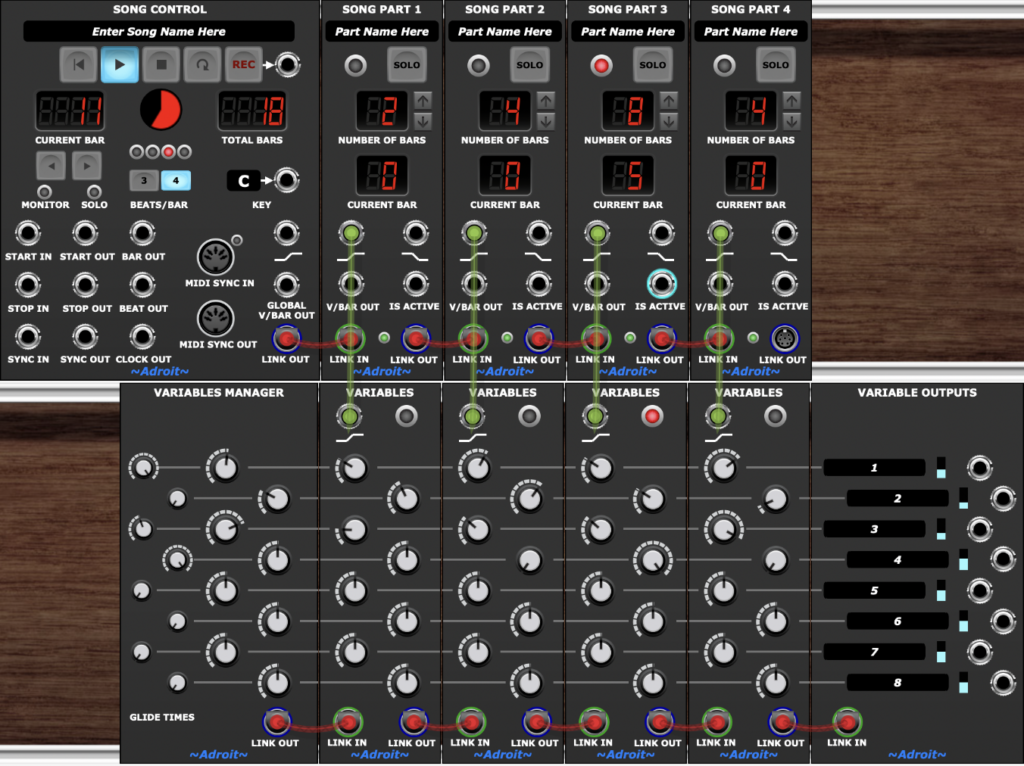
The top four channels of the Variables Sequencer shown in the patch above produce the 18 bar long pattern of control voltages changes shown in the top four traces of the CV Watcher image below.
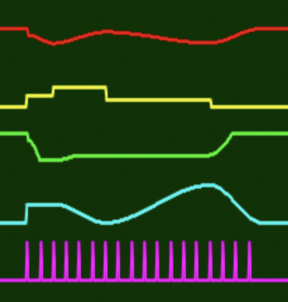
The magenta trace at the bottom shows the train of triggers from Song Control’s BAR OUT socket – each pulse represents the beginning of a bar.
As you can see the outputs can be stepped or smooth. The transition time for a channel depends on the setting of its GLIDE TIME knob in the Variables Manager module if present.
If a Variables Manager module is not connected to the beginning of a Variables Sequencer chain then all transitions are stepped.
The GLIDE TIMES knob settings are percentages of the period of the Song Part connected to each stage rather than absolute time or slew speed.
When a Variables Manager module is deployed then set a channel’s GLIDE TIME fully CCW for stepped behaviour or fully CW for a a smooth transition that takes the entire song part’s duration.
The following traces show the effect of different glide times when alternate steps vary from minimum to maximum values…
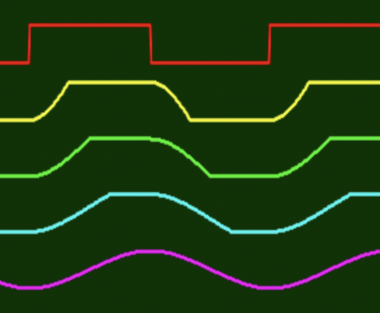
The red trace shows 0% glide time (therefore the output jumps immediately between step values). The yellow trace is 25%, green is 50%, cyan is 75% and magenta is 100%.
Variables Sequencer in Action
To make the above a bit more concrete here’s a simple but rather quirky patch that demonstrates using a Variables Sequencer to control various parameters in a 12 bar loop.
The patch is shown below.
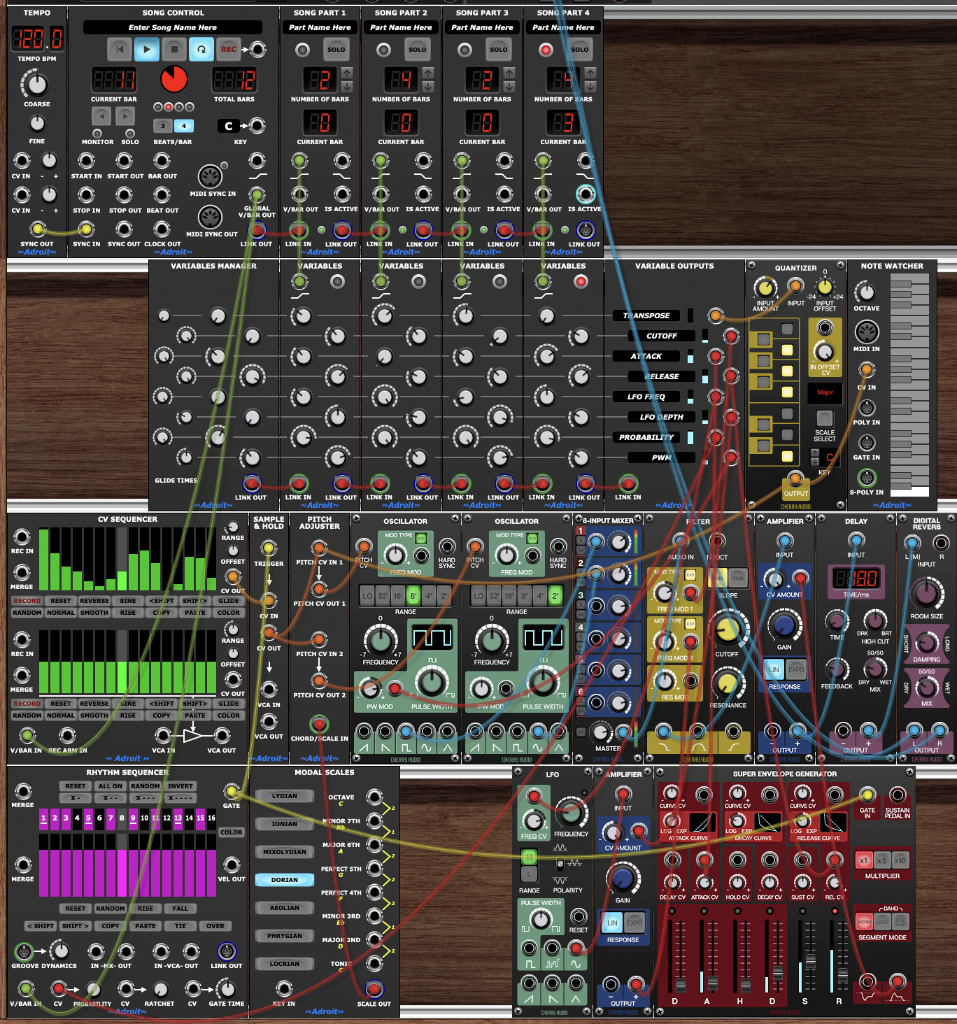
Note that the Variable Outputs module has user-editable text labels that make patches much easier to use/understand.