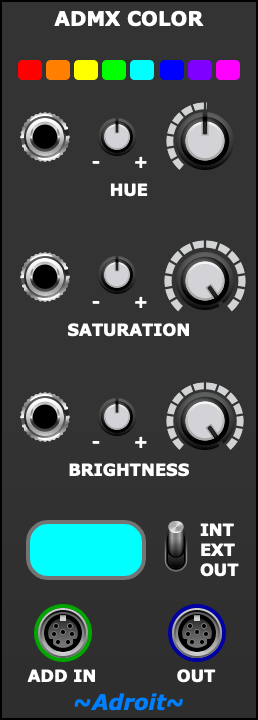
This ADMX module provides a convenient source of color information using the hue, saturation, brightness color model. The color information is output as an ADMX signal via the OUT socket.
In addition to sourcing its own color information, the module includes a handy optional color mixing facility. If an ADMX signal is connected to the ADD IN socket then the output is a combination of the internal color and the external color. This can simplify some patches.
Table of Contents
Hue
The hue section at the top of the module controls the hue channel.
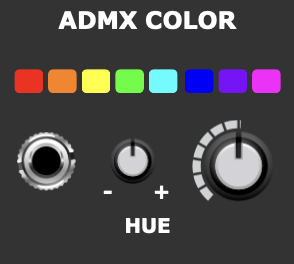
The large knob provides a base hue value. At both minimum and maximum values the hue is red. This is because hue is an angle on a circle and both 0 degrees and 360 degrees produce the same red hue value.

Green is at 120 degress and blue is at 240 degrees.
Secondary colors are inbetween these primary colors – so yellow is at 60 degrees, cyan is at 180 degrees and magenta is at 300 degrees.
The 8 little buttons above the large knob provide a shortcut for setting it to specific values and help remind us of the order of colors in the hue circle.
Of particular interest are the amber and violet colors at 30 degrees and 270 degrees as these correspond to specific peaks in the color model translations performed by ADMX Output when using fixtures with amber or UV channels.
The small knob is an attenuverter that controls the strength of any hue modulation from the socket on the left that is added to the base value of the large knob. When the attenuverter knob is at 12 o’clock there is no modulation, when set clockwise the modulation is positive, when set counter clockwise the modulation is inverted.
When the base knob value and external modulation are added together the result may go beyond the 0 to 360 degree range. When this happens, instead of the result being clamped it is wrapped around the circle. So for instance -10 degrees wraps around and becomes 350 degrees and 370 degrees wraps around and becomes 10 degrees. This lets you create “through zero” style modulation that can move clockwise or counter clockwise anywhere in the hue circle.
The outer dial of the large knob shows the result of adding external modulation to the base value.
Saturation
The saturation section controls the saturation channel and also features a large knob setting a base value, an attenuverter and an external modulation input.
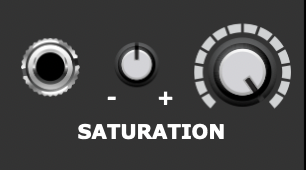
Saturation controls how vivid a color is.
At 100% saturation a color is “pure” while at lower settings more and more white is mixed in to create more pastel colors. At 0% saturation a color is white when brightness is at 100% (lower brightness levels produce a grayscale).
When external modulation is added to the base value the result is clamped to keep it in the range 0% to 100%.
Brightness
The brightness section controls the brightness channel and again features a large knob setting a base value, an attenuverter and an external modulation input.
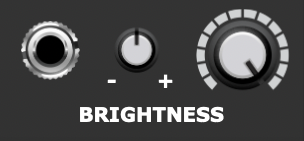
When external modulation is added to the base value the result is clamped to keep it in the range 0% to 100%.
Preview and ADD IN
At the bottom of the module there’s a color preview that shows either the internal color, the color of an external ADMX signal (if one is connected to the ADD IN socket) or the final output color depending on the setting of the INT / EXT / OUT switch.
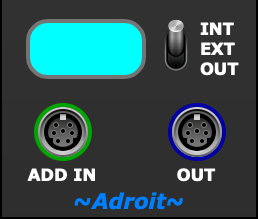
If nothing is connected to the ADD IN socket then the output color is exactly the same as the internal color.
If an ADMX signal is connected to the ADD IN socket then the output is a mix of the internal and external colors. This optional facility is useful in some patches as it saves us having to use a separate mixing module when we need to combine colors.
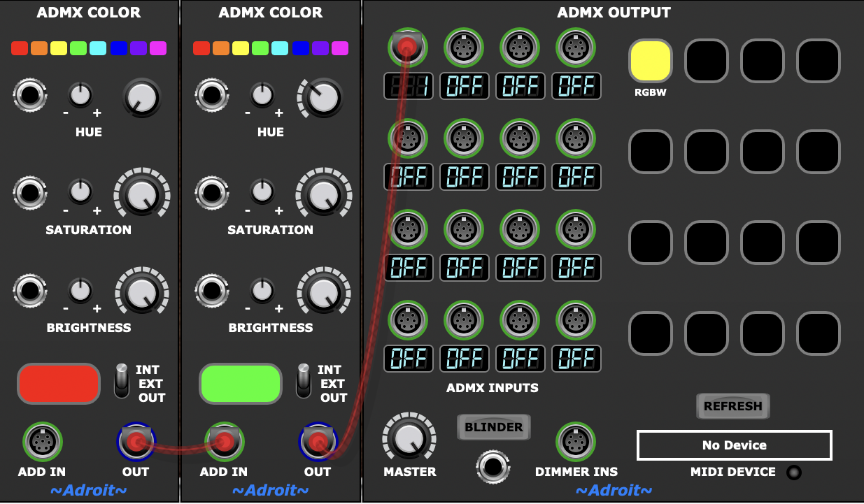
The patch above shows how this mixing works although in practice you wouldn’t mix static colors together like this. A less artificial patch would have the ADMX Color modules being modulated by CV sources, but we are keeping things simple here and just demonstrating the principle.
The ADD IN facility is also useful if the external ADMX signal contains information other than hue, saturation and brightness. For instance if we want two moving heads to share the same pan and tilt but have different colors we can use a patch like this…
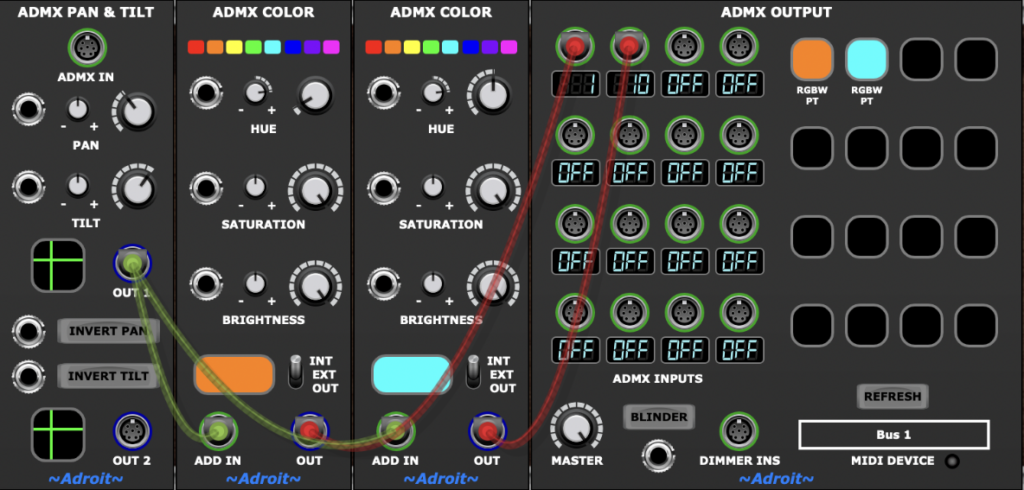
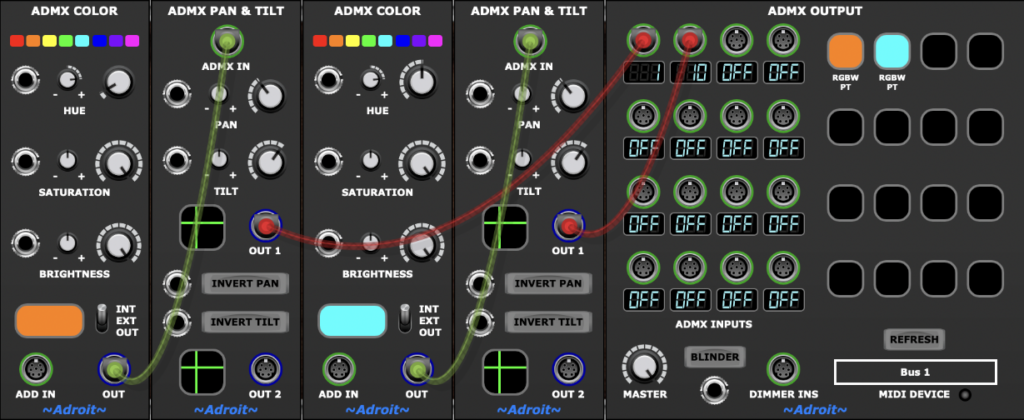
This is more efficient and makes more sense than using two ADMX Pan & Tilt modules…
When the ADD IN facility is used, both the internal and external colors are converted from HSB to RGB, added together and clamped in RGB space then the result is converted back to HSB, although to reduce CPU load this computation is avoided if either color has a brightness of zero (i.e. is black).